
How to Build Interactive Scientific Data Visualizations
Senior engineers building AI-native software for clients worldwide
Learn how to build interactive scientific data visualizations for product teams using a stellar map case study, with concrete UX, data, and delivery choices.
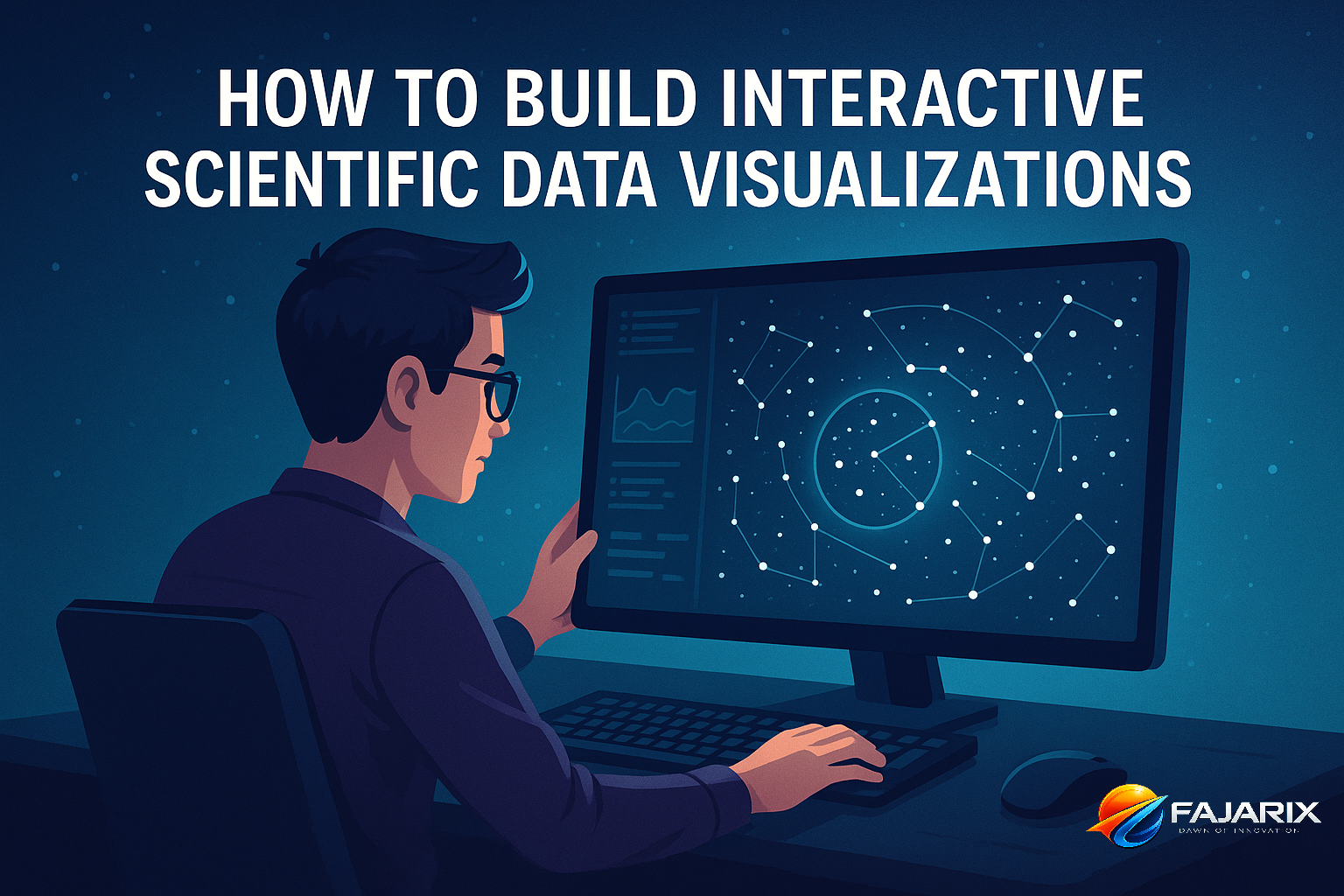
How to build interactive scientific data visualizations for product teams is the practice of turning dense, high-dimensional datasets into interfaces people can trust, explore, and act on. It requires three disciplines working together: a reliable data pipeline, information design that reduces cognitive load, and narrative UX that guides users from curiosity to insight.
A stellar navigation chart inspired by science-fiction is a useful case study because it exposes the same product problems CTOs and senior engineers face in healthcare, climate, logistics, and industrial analytics. The dataset may be astronomical, but the product decisions are familiar: what to precompute, what to render live, what to explain, and what to hide until the user asks.
If you are evaluating how to build interactive scientific data visualizations for product teams, the wrong question is usually “Which charting library should we use?” The right question is “What combination of data fidelity, interaction speed, and user guidance will preserve trust?” That framing changes architecture, staffing, and roadmap choices immediately.
Why This Stellar Navigation Chart Matters to Product Leaders
The visualization works as a case study because it turns an intimidating spatial dataset into a navigable mental model. Users are not asked to understand astronomy first; they are given a clear frame, meaningful interaction, and progressive disclosure. That is exactly what high-trust product analytics should do.
For engineering leaders, the lesson is not about stars. It is about interactive data visualization under real product constraints: browser performance, uncertain user expertise, and the need to communicate confidence without overwhelming the interface. A good scientific visualization is not a prettier scatterplot. It is a system that aligns data engineering, front-end rendering, and UX writing.
If users cannot tell what is measured, what is inferred, and what is decorative, they will mistrust the whole product—even when the underlying science is sound.
What Makes This Type of Visualization Feel Trustworthy
- Spatial consistency: interactions preserve orientation and scale expectations.
- Visible constraints: the product signals what the data can and cannot say.
- Narrative affordances: labels, legends, and motion teach the model as users explore.
- Performance discipline: smooth pan/zoom creates confidence that the system is stable.
How to Build Interactive Scientific Data Visualizations for Product Teams Without Losing Scientific Integrity
The core challenge in how to build interactive scientific data visualizations for product teams is balancing scientific fidelity against usability. Product teams often fail by choosing one extreme: either they simplify until the chart becomes misleading, or they preserve every variable and create an unusable interface.
The better approach is to separate the system into three layers: data truth, interaction model, and explanatory layer. Your raw and derived data stay auditable. Your interaction model decides what can be filtered, compared, or animated in real time. Your explanatory layer tells users what they are seeing and how much confidence to place in it.
A Practical Architecture Pattern
- Ingest and normalize source data with a reproducible ETL pipeline.
- Precompute expensive transformations such as clustering, nearest-neighbor relationships, or tile pyramids.
- Expose query-ready subsets through a versioned API using
RESTorGraphQL. - Render with the right graphics stack:
D3.jsfor custom interaction,deck.glorThree.jsfor dense spatial scenes,Observable Plotfor simpler analytical views. - Add narrative UX with annotations, guided states, legends, and contextual copy.
- Instrument user behavior so you can see where exploration breaks down.
For many teams, the biggest win comes from step two. Precomputation turns impossible front-end workloads into responsive product experiences. If you need to calculate relationships among millions of points during every user gesture, your browser is doing data engineering work it should never have received.
What Data Pipeline Decisions Matter Most for Scientific Visualization?
The most important pipeline decisions are data versioning, derived-feature generation, and latency budgets. If you cannot reproduce a given visual state from a known dataset version, your product cannot support trust, debugging, or regulated use cases.
In practice, teams should define a visualization contract between data engineering and front-end engineering. That contract specifies coordinate systems, units, uncertainty fields, aggregation rules, and precision limits. It sounds bureaucratic until your PM asks why one view shows 1,248 objects and another shows 1,251.
Recommended Stack for Production Teams
| Layer | Good Options | When to Choose Them |
|---|---|---|
| ETL / Processing | Python, Pandas, Polars, dbt, Apache Spark | Use Polars or Pandas for medium datasets; Spark when volume or distributed processing justifies complexity. |
| Storage | PostgreSQL + PostGIS, BigQuery, DuckDB, object storage on AWS/GCP | PostGIS is excellent for spatial queries; DuckDB is underrated for local analytical pipelines. |
| API Layer | FastAPI, Node.js, GraphQL | Choose based on team strength; prioritize typed contracts and cacheability. |
| Visualization | D3.js, deck.gl, Three.js, Plotly | D3.js for bespoke information design; deck.gl for large-scale geospatial or point-cloud views. |
| Monitoring | Sentry, Datadog, OpenTelemetry | Track render errors, API latency, and interaction drop-off. |
As a rule of thumb, if initial payloads exceed 5-10 MB for common user paths, you probably need more server-side shaping. If a pan or zoom interaction takes longer than 100-150 ms to feel responsive, users will perceive the visualization as unstable. For expert tools, users tolerate a little more latency than consumer apps, but not much more.
How Does Narrative UX Change Scientific Visualization Outcomes?
Narrative UX improves outcomes by helping users form a correct mental model before they start exploring. Without it, even technically accurate visualizations are often misread, especially when users are dealing with unfamiliar domains or multidimensional data.
This is where many engineering-led products underinvest. They ship the rendering engine, filters, and legends, but omit orientation. In a stellar navigation chart, orientation might mean distance cues, labels, and guided highlights. In a medical or industrial product, it might mean confidence bands, baseline comparisons, or “why this matters” annotations.
Design Patterns That Reduce Cognitive Load
- Progressive disclosure: show the core pattern first, then reveal secondary variables on demand.
- Anchors and landmarks: provide stable reference points so users do not get lost.
- Layered legends: explain color, size, motion, and certainty separately.
- Stateful storytelling: let users jump between curated views and free exploration.
- Recoverable interactions: always offer reset, undo, and known viewpoints.
When teams ask us at Fajarix to improve adoption of analytics-heavy products, the bottleneck is often not the model or the API. It is that users do not know where to look first. This is why our UI/UX design work for data products usually starts with task flows and decision moments, not component libraries.
How to Build Interactive Scientific Data Visualizations for Product Teams on Real Budgets
How to build interactive scientific data visualizations for product teams also depends on budget realism. Leaders often underestimate the amount of product thinking required and overestimate the value of building a fully custom rendering stack from day one.
At Fajarix, we usually split these projects into three delivery phases. Phase 1 proves data viability and interaction design. Phase 2 hardens performance and trust signals. Phase 3 expands workflows, collaboration, and domain-specific analysis. This sequencing prevents teams from spending months polishing a visual shell around an unstable data model.
A Realistic Delivery Plan
Phase 1: 3-5 weeks. Build a narrow prototype around one high-value user question. Use a constrained dataset, one or two interactions, and explicit assumptions. The goal is to validate mental model fit, not feature breadth.
Phase 2: 6-10 weeks. Productionize the pipeline, add caching, observability, and role-based access if needed. Tighten rendering performance and write the explanatory copy that prevents misuse.
Phase 3: 4-8+ weeks. Add advanced filters, saved views, exports, mobile adaptations, and collaboration features. This is where product engineering discipline matters more than visualization novelty.
For a typical B2B scientific or analytical interface, teams should expect an MVP cost range closer to a serious internal platform than a marketing microsite. If your data is messy, undocumented, or spread across multiple systems, data remediation can consume 30-50% of the effort before the front end becomes the bottleneck.
A Fajarix-Specific Perspective: Why Distributed Teams Fail or Succeed Here
artifact quality. Scientific visualization projects fail when domain assumptions live in calls instead of specs.
This is also where staff augmentation can work well if you add the right role. Do not add only front-end capacity. Add one engineer or product-minded analyst who can bridge raw data semantics and UI behavior. That single role often removes more delivery risk than adding two extra React developers.
What Are the Most Common Mistakes Teams Make?
The biggest mistakes are overloading the first screen, hiding uncertainty, and treating performance as a polish task. These errors make visualizations look impressive in demos but fragile in real usage.
- Mistake 1: Encoding too many variables at once. Color, size, opacity, motion, and shape cannot all carry primary meaning simultaneously.
- Mistake 2: No distinction between observed and inferred data. Users need to know which values are measured, modeled, or interpolated.
- Mistake 3: Rendering raw data directly in the browser. This creates avoidable latency and inconsistent results across devices.
- Mistake 4: Ignoring empty states and dead ends. Users need help when filters produce sparse or contradictory outputs.
- Mistake 5: Assuming experts do not need UX. Experts need efficient interfaces even more, because they notice ambiguity faster.
A Fajarix-Specific Perspective: The Trust Gap in Regulated and Technical Products
In healthcare, industrial analytics, and risk-heavy workflows, teams often think trust comes from adding more data. In practice, trust comes from traceability. Users want to know where a number came from, when it was updated, and why two views disagree. We have seen products increase successful task completion simply by adding source timestamps, derivation notes, and side-by-side comparison states.
This matters beyond scientific tools. The same principles apply in AI automation products where outputs are partly generated or inferred. If your interface presents model outputs without confidence context, provenance, or reversible actions, users will either over-trust the system or reject it entirely.
Is a Custom Visualization Stack Worth It for Startups?
Usually, a partially custom stack is worth it; a fully custom stack is not. Startups should customize the interaction model and information design while borrowing as much as possible from proven rendering, data, and observability tools.
If your product advantage depends on a unique way of exploring spatial or scientific data, then custom front-end interaction is justified. But if your team is rebuilding commodity features like legends, export logic, or tile serving infrastructure from scratch, you are likely spending roadmap on plumbing instead of insight.
When to Go Custom vs Off-the-Shelf
| Scenario | Recommendation |
|---|---|
| You need a novel spatial interaction model | Build custom with D3.js, deck.gl, or Three.js |
| You need standard dashboards with moderate interactivity | Use Plotly, Apache ECharts, or embedded BI |
| You are still validating user demand | Prototype fast; do not overinvest in rendering architecture |
| You have compliance or auditability requirements | Prioritize data contracts, versioning, and event logging before visual polish |
How to Build Interactive Scientific Data Visualizations for Product Teams: A CTO Checklist
If you need a practical decision framework for how to build interactive scientific data visualizations for product teams, use this checklist before approving the roadmap.
- Can we name the top three user decisions this visualization should support?
- Do we have a versioned data model with explicit units, uncertainty, and derivations?
- Which computations are precomputed, and which are truly interactive?
- What is our target latency for load, pan, zoom, and filter changes?
- How will users know what is measured versus inferred?
- What is the fallback experience on lower-powered devices?
- What telemetry will tell us whether users are learning or getting lost?
If your team cannot answer these questions, you are not blocked on visualization. You are blocked on product definition. That is useful news, because it tells you where to invest next.
The larger lesson from this stellar navigation case is simple: memorable visual products are not built by front-end craft alone. They emerge when data engineering, interaction design, and narrative UX are treated as one system. That is the difference between a visualization people admire and one they actually use to make decisions.
Ready to put these insights into practice? The team at Fajarix builds exactly these solutions. Book a free consultation to discuss your project.
Ready to build something like this?
Talk to Fajarix →