What Legacy Operating Systems Teach Modern Software Architecture
Senior engineers building AI-native software for clients worldwide
Explore what legacy operating systems teach modern software architecture, and use those lessons to build durable, portable systems that age well.
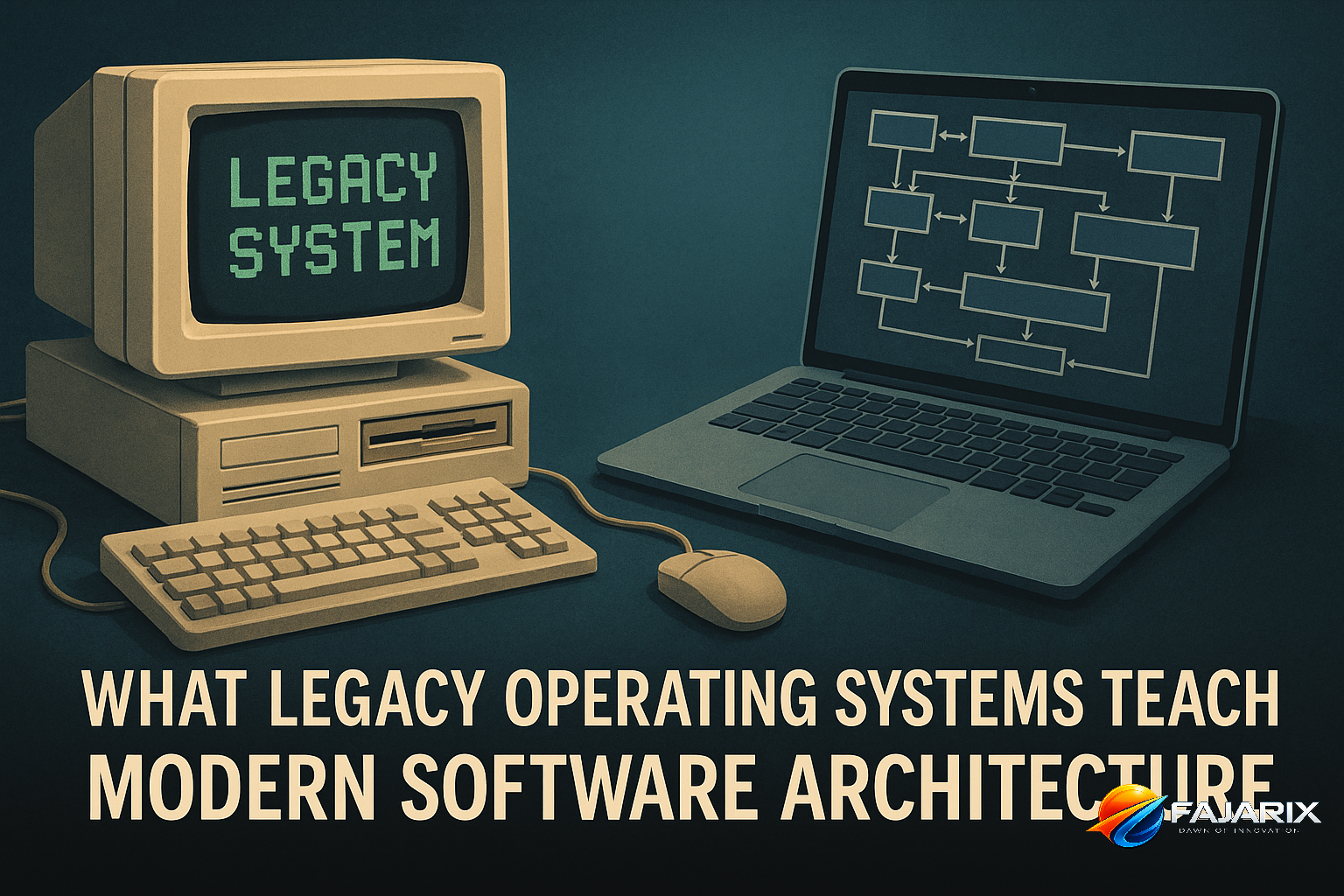
What legacy operating systems teach modern software architecture is that platform choices outlive product roadmaps, developer tools shape system longevity, and recoverability matters more than elegance. Looking across decades of OS design makes one thing obvious: the stacks that survive are usually the ones that stay debuggable, portable, and operationally boring under change.
I recently spent time digging through the Virtual OS Museum, a remarkable project that makes more than 1,700 pre-installed operating systems and software environments runnable through emulation. It is easy to treat it as nostalgia. That would be a mistake. For a CTO, founder, or principal engineer, it is a compressed history of how technical decisions age.
The value is not that old systems were better. Most were not. The value is that failure modes become easier to see with time. You can watch platforms win on developer experience, lose on portability, collapse under integration friction, or remain usable because they were built around stable abstractions. That is exactly why what legacy operating systems teach modern software architecture matters to anyone making stack decisions today.
What Legacy Operating Systems Teach Modern Software Architecture About Durability
The museum spans systems from early mainframes to Unix variants, DOS families, classic Mac OS, OS/2, BeOS, Plan 9, NeXTSTEP, QNX, Symbian, early Linux distributions, and many obscure research environments. Seen together, they expose a pattern: software ecosystems do not die only because the kernel was weak. They die when the surrounding platform becomes too hard to install, extend, debug, or trust.
That distinction matters in modern product engineering. A technically impressive stack can still age badly if onboarding takes days, local environments drift, upgrades are brittle, or one vendor controls too much of the runtime. We see this today in teams overcommitted to tightly coupled cloud-native tooling before they have stable product-market fit.
The systems that remain usable across decades are rarely the most fashionable. They are the ones with clear interfaces, durable file formats, stable operational models, and enough tooling that the next generation can still reason about them.
Four Lessons Hidden in Old Platforms
- Installation friction predicts ecosystem weakness. If a system is hard to boot, configure, or repair, it will eventually lose contributors.
- Portability beats peak optimization for long-lived products. The best short-term performance win often becomes tomorrow's migration tax.
- Developer experience is architecture. Tooling, docs, package management, and debuggability are not secondary concerns.
- State recovery is a first-class feature. Snapshotting, rollback, and reproducibility keep systems alive when complexity rises.
Why Do Legacy OSes Still Matter for CTOs and Founders?
Because they show, with unusually high clarity, how platform bets compound over 5, 10, or 20 years. If you are choosing between a managed platform, a self-hosted architecture, or a heavily specialized stack, the museum provides historical evidence of what tends to become expensive later: proprietary lock-in, undocumented runtime assumptions, bespoke deployment paths, and fragile compatibility layers.
For founders, this is not academic. Every early architecture decision creates a future hiring market. If your product depends on rare expertise, nonstandard workflows, or infrastructure no one can reproduce locally, velocity will eventually drop no matter how good the original engineers were.
The Real Decision Framework
When evaluating a stack, ask these questions before asking whether it is elegant:
- Can a new engineer run the system in under one hour?
- Can we migrate data without vendor-specific gymnastics?
- Can we test and roll back safely?
- Can we replace one layer without rewriting the whole product?
- Will hiring for this stack be easier or harder in three years?
If you cannot answer at least four of those confidently, your architecture may be optimized for the present quarter, not for product durability.
What Legacy Operating Systems Teach Modern Software Architecture About Developer Experience
One of the clearest patterns in the museum is that systems with strong conceptual models and usable tooling leave a much longer tail. Unix survived not because every implementation was perfect, but because it gave developers composable primitives, text-friendly interfaces, inspectable processes, and a culture of automation. NeXTSTEP influenced modern app development not just through UI ideas, but because its tooling reduced friction between concept and implementation.
The opposite pattern is just as instructive. Many systems failed not because they lacked capability, but because the path from blank machine to productive environment was too fragile. In modern terms, that is the difference between a team that can clone, run, test, and ship in a day versus a team that needs tribal knowledge and Slack archaeology.
This is where what legacy operating systems teach modern software architecture becomes operational. Developer experience is not a soft concern. It directly affects lead time, defect rates, and hiring resilience.
Modern Equivalents of Historical Friction
- Overengineered Kubernetes setups for products that could run on
AWS ECS,Fly.io, or plain containers - Microservices split too early, creating distributed systems overhead without organizational need
- Frontend stacks with rapid churn but weak upgrade discipline
- Data pipelines tied to one cloud vendor's proprietary services
- Mobile apps whose build chains break every time
XcodeorGradlechanges
If your team cannot explain the local development story simply, you already have architecture debt.
How Should Modern Teams Apply These Lessons to Today’s Stack Choices?
Start by treating architecture as a longevity problem, not just a delivery problem. The best stack is usually not the one with the most features. It is the one that preserves optionality while keeping operational complexity proportionate to business risk.
In practice, that means making a few boring decisions on purpose. Use standard protocols. Keep data models portable. Prefer tools with broad talent pools. Isolate vendor-specific features behind internal interfaces. Build reproducible environments with Docker, Terraform, and CI pipelines that mirror production closely enough to catch drift early.
A Practical Stack Evaluation Table
| Decision Area | Short-Term Temptation | Long-Term Durable Choice | What to Check |
|---|---|---|---|
| Hosting | Deep vendor-specific services everywhere | Managed services with clear exit paths | Can workloads move across AWS, GCP, or Azure with limited rewrite? |
| Backend | Exotic framework with small talent pool | Mainstream runtime with strong observability | Hiring market, upgrade path, profiling tools |
| Frontend | Frequent rewrites around trends | Stable component architecture and design system | Upgrade cadence, test coverage, design consistency |
| Data | Opaque proprietary storage | Portable schemas and exportable data | Migration effort, backup restore drills, auditability |
| AI Layer | Embedding model logic directly into product core | Provider abstraction and evaluation harnesses | Can you swap models without product breakage? |
For teams building new products, this is the foundation of good product engineering. For teams modernizing internal systems, it is often the difference between a manageable migration and a multi-year rewrite that never finishes.
What Mistakes Do Teams Make When Interpreting Legacy System Lessons?
The biggest mistake is romanticizing old systems instead of extracting their design logic. You do not need to bring back monolithic terminals, sparse UIs, or manual operations. You need to understand why some systems remained operable: fewer hidden layers, clearer boundaries, stronger introspection, and better failure recovery.
The second mistake is assuming modern managed platforms automatically solve durability. They solve some operational burden, which is valuable. But they can also hide complexity until costs, compliance constraints, or integration needs force you to confront it all at once.
Three Misconceptions Worth Dropping
- Misconception: Legacy systems lasted because change was slower.
Reality: Many lasted because they exposed stable abstractions that tolerated change. - Misconception: Portability means avoiding all platform-specific optimization.
Reality: It means being deliberate about where you accept lock-in and where you preserve escape hatches. - Misconception: Great developers can overcome weak architecture.
Reality: They can for a while. Then they leave, and the architecture remains.
What Legacy Operating Systems Teach Modern Software Architecture in Real Delivery Work
At Fajarix, one recurring pattern in rescue projects is that teams confuse shipping speed with architectural progress. We have inherited products where the first version moved quickly, but every later change became slower because the system depended on undocumented scripts, one engineer's deployment knowledge, and cloud resources with no reproducible infrastructure definition. That is the modern equivalent of an OS that only boots with one exact emulator version and a lucky device configuration.
In one client engagement, a growing B2B platform had reached roughly 40,000 monthly active users with a backend split into too many services too early. Local setup took nearly two days, staging differed from production, and incidents were hard to replay. We consolidated services, standardized contracts, introduced snapshot-based test data, and moved critical workflows behind clearer APIs. Feature lead time dropped from weeks to days not because we added novelty, but because we reduced historical-style friction.
This is also why we are cautious when clients ask for highly customized stacks for new products. In startup MVP development, the right answer is often a stack that strong generalists can maintain, not the most theoretically scalable architecture. Optionality is a feature when the product itself is still discovering its shape.
A Fajarix Rule of Thumb
If a system requires senior engineers to perform basic recovery, deployment, or environment setup, it is already too specialized for its current stage.
That sounds harsh, but it aligns closely with what legacy operating systems teach modern software architecture: products endure when ordinary engineering tasks remain ordinary.
How Does This Apply to AI Systems and Modern Platform Bets?
Directly. Many AI products today are repeating old platform mistakes in new packaging. Teams hardwire one model provider into core workflows, skip evaluation tooling, treat prompts as architecture, and leave no clean boundary between business logic and inference logic. That is today’s version of coupling the product to a platform assumption that will age badly.
If you are building with LLMs, agents, or workflow orchestration, keep the AI layer replaceable. Store prompts and policies as versioned assets. Log inputs and outputs carefully. Build fallback paths. Separate orchestration from domain logic. The teams that do this now will avoid expensive rewrites when model pricing, latency, or compliance needs change.
That is especially relevant in AI automation work, where the temptation is to optimize for a successful demo instead of a maintainable system. A working prototype is not proof of architectural fitness. It is only proof that one path worked once.
AI Architecture Checks We Recommend
- Abstract model providers behind a service boundary
- Version prompts, schemas, and evaluation datasets
- Keep deterministic business rules outside the model
- Instrument latency, token cost, and fallback rates
- Design for partial failure, not ideal responses
The lesson from older platforms is simple: interfaces outlast implementations. Build around that truth.
Should You Explore the Virtual OS Museum Yourself?
Yes, if you make platform decisions. Not because it will tell you what framework to pick next quarter, but because it sharpens your instincts about survivability. You will see how much of computing history is really the history of compatibility, ergonomics, recoverability, and ecosystem design.
If you lead engineering, use it as a workshop tool. Ask your team to examine a few systems and discuss why they persisted, why others vanished, and what that says about your own stack. The conversation is often more useful than another generic architecture trend report.
A Short Exercise for Engineering Leadership Teams
- Pick three historical platforms: one winner, one niche survivor, one dead end.
- Identify the tooling, portability, and recovery characteristics of each.
- Map those characteristics to your current product stack.
- List one dependency you should standardize, one you should isolate, and one you should replace.
That exercise turns what legacy operating systems teach modern software architecture into a decision tool, not just an interesting observation.
The CTO Takeaway: Build for Reachability, Not Just Capability
The most important idea behind the Virtual OS Museum is not preservation for its own sake. It is reachability. Systems matter when people can actually run them, understand them, and recover them. The same is true for modern software products.
If your architecture is powerful but hard to reproduce, hard to debug, or hard to migrate, it is aging faster than you think. If it is portable enough, observable enough, and simple enough for new engineers to reason about, it has a real chance of lasting. That is the deepest lesson in what legacy operating systems teach modern software architecture, and it is still underappreciated in modern teams shipping fast under pressure.
Ready to put these insights into practice? The team at Fajarix builds exactly these solutions. Book a free consultation to discuss your project.
Ready to build something like this?
Talk to Fajarix →